Let participants discuss a question with their own AI provider without saving the conversation in QuizMachine.
Before you start
AI chat is available on Premium, Enterprise, or Enterprise+ plans. The participant must sign in and configure a personal AI provider with their own key (BYOK), and the quiz owner enables AI chat for the quiz. When the participant sends the first message beneath a question, the question, answer options, selected answer, correct answer, and feedback are sent to that provider as context. The conversation exists only for the current page session: messages and replies are not stored by QuizMachine and cannot be retrieved later. Provider charges and data-handling terms still apply.
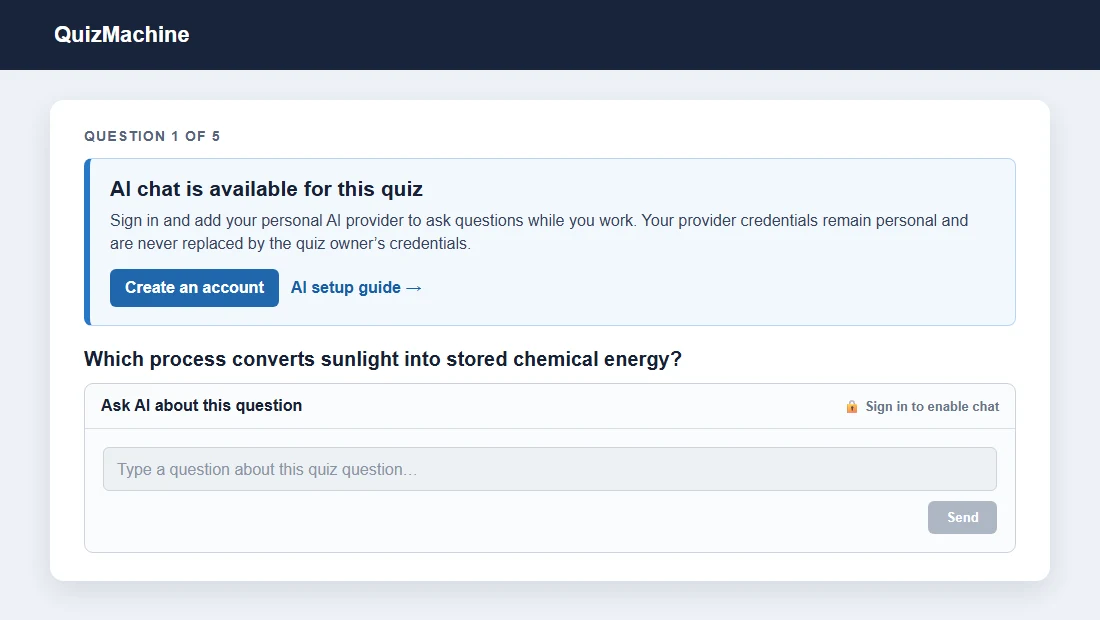
Work through the product
My AI model · How to set up your provider key
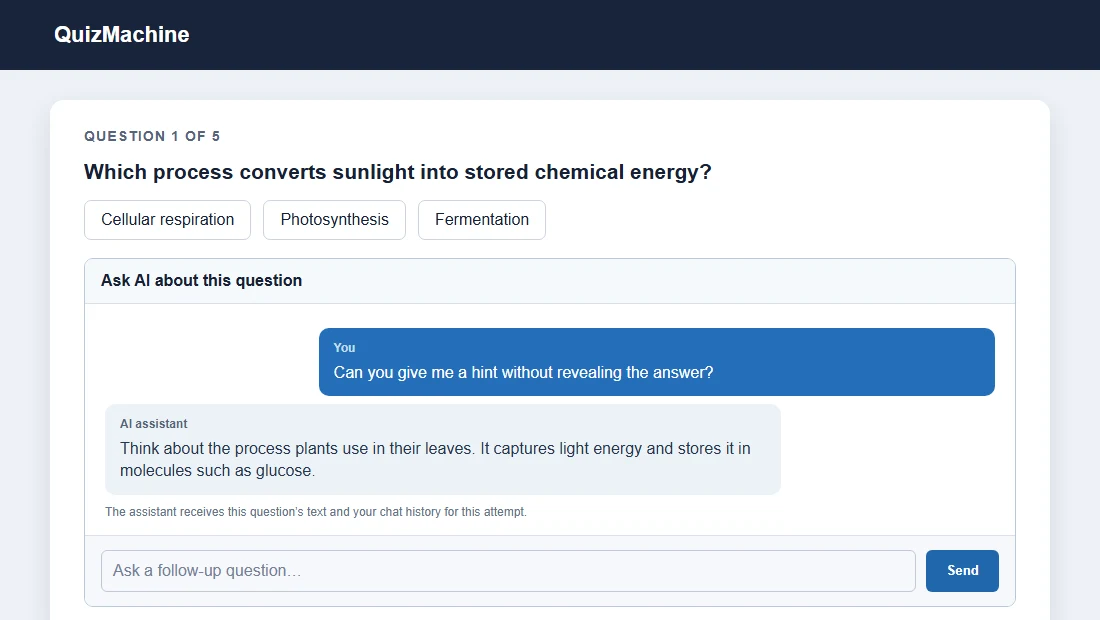
Limits, privacy, and control
Never place API keys in question text, screenshots, or shared documentation. Review AI suggestions before relying on them; a human grade takes precedence and unsupported or failed requests fall back safely.